
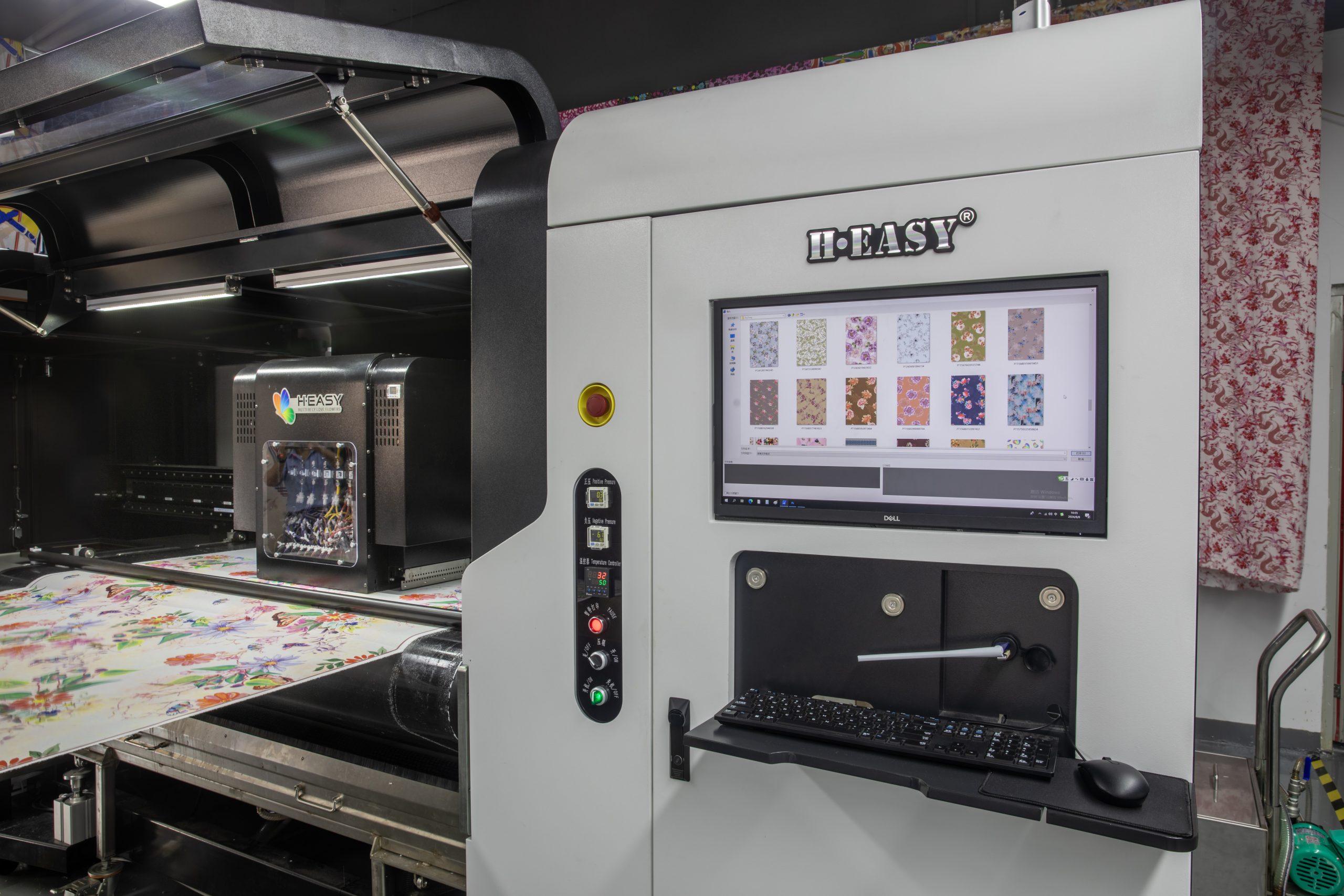
In the modern textile industry, digital printers have become essential production tools, occupying a significant position in the market due to their efficiency and precision.
However, as high-precision equipment, daily maintenance and care of digital printers are crucial. Proper maintenance extends the machine’s lifespan and ensures consistent printing quality.
Below, we will explore nine maintenance tips for digital printers to ensure that your equipment remains in optimal condition.
1. Maintain Ink Levels Between the First and Second Markers in the Ink Cartridge
Adding ink is a routine operation for digital printers, but it is also a detail that is easy to overlook. The control of ink levels is directly related to print quality and the longevity of the print heads.
Too much ink can cause clogging of the print heads, while too little ink can result in interruptions during printing, affecting the output. Therefore, it is crucial to maintain the ink level between the first and second markers in the ink cartridge.
This range ensures a stable ink supply and avoids issues such as ink interruptions. This is especially important for equipment using Ricoh GEN6 print heads, as these high-precision heads have stringent requirements for ink supply.

2. Storage and Use of Ink
The storage conditions of ink are another critical factor affecting the normal operation of digital printers. Ink should be stored in a cool, shaded place to avoid direct sunlight, as high temperatures and UV rays can alter the composition of the ink, affecting its performance.
It is best to use opened ink within half a month to ensure chemical stability. Expired or improperly stored ink may result in color output abnormalities and even damage the print heads.
Therefore, proper ink storage is not only a protection for the equipment but also a guarantee of printing quality.
3. Keep the Printer Away from Household Appliances to Avoid Magnetic and Electric Interference
Digital printers have strict requirements for their working environment, particularly regarding electromagnetic interference, which can have unpredictable effects on the equipment’s operation.
Electromagnetic radiation from household appliances can interfere with the printer’s circuitry, leading to data transmission errors or equipment malfunctions.
Therefore, digital printers should be kept away from common household appliances like TVs and refrigerators.
And their power supply should be independent, not shared with other high-power devices. This is crucial for the stable operation of the equipment, especially during long periods of continuous work.

4. Considerations When Using RIP Software for Image Processing
When using RIP (Raster Image Processor) software, special attention should be paid to the state of the computer. First, the firewall should be turned off to avoid interference with data transmission.
In addition, unnecessary files, especially large photo albums, should be cleared from the computer to free up system resources and improve processing efficiency.
This not only speeds up image processing but also reduces the equipment’s data processing load, thus extending the machine’s lifespan. Good data management and computer maintenance are also essential for ensuring the efficient operation of the equipment.
5. Selecting the Appropriate Print Mode
When the workload allows, it is recommended to use 4-pass or higher print modes for output. The higher the number of passes, the better the printing accuracy and stability, and the lower the wear on the equipment.
Although higher pass counts increase printing time, they significantly extend the lifespan of the print heads and reduce equipment wear.
This print mode is particularly suitable for scenarios that require high print quality, such as the production of high-end fabrics and customized products.

6. Maintain Constant Temperature and Humidity
The working environment’s temperature and humidity greatly impact the digital printer’s performance. The ideal working temperature range is 20-35°C, and the humidity should be kept between 35-65%.
Low temperatures can reduce ink fluidity, leading to print head clogging, while high temperatures may cause the ink to evaporate too quickly, affecting print quality.
Similarly, excessive or insufficient humidity can impact the drying speed of the ink and the print quality. Therefore, maintaining a stable working environment is fundamental to ensuring the digital printer’s normal operation.
7. Dust Prevention Measures
Dust is a “silent killer” for digital printers, as it can enter the print heads or other precision components, leading to a decline in print quality or even equipment damage.
The operating room should be kept clean, especially avoiding placement near equipment that generates smoke or dust.
The equipment should be cleaned and wiped daily before and after use, with particular attention paid to key areas such as the print heads and guide rails.
Good dust prevention measures not only improve print quality but also effectively extend the equipment’s lifespan.
8. Careful Fabric Selection
Not all fabrics are suitable for digital printing, especially lower-quality fabrics that may contain a lot of dust, impurities, or even chemical residues, which can damage the print heads.
Therefore, selecting high-quality fabrics for printing not only improves the final product but also reduces the risk of print head clogging.
It is recommended to pre-treat fabrics, such as washing or dusting, to ensure the cleanliness of the fabric surface, thereby ensuring smooth printing.

9. Regular Inspection of Key Equipment Components
The normal operation of a digital printer relies on the coordinated work of its components. The cleanliness of critical parts like the guide rails, wipers, and encoder strips directly affects the print quality. These components should be inspected at least once a week, and any debris or stains should be promptly cleaned. This not only prevents a decline in print quality but also helps prevent equipment failure. For frequently used equipment, it is recommended to increase the inspection frequency to ensure the equipment is always in optimal condition.
Conclusion
The nine maintenance tips outlined above demonstrate that maintaining a digital printer is not a one-time task but requires ongoing care and attention.
These tips cover not only daily operational considerations but also requirements for the working environment and materials used. For businesses, good equipment maintenance habits are key to ensuring production efficiency and product quality.
Therefore, when using a digital printer, it is essential to follow the above maintenance recommendations strictly, keeping your equipment in top condition and creating greater value for your business.


