
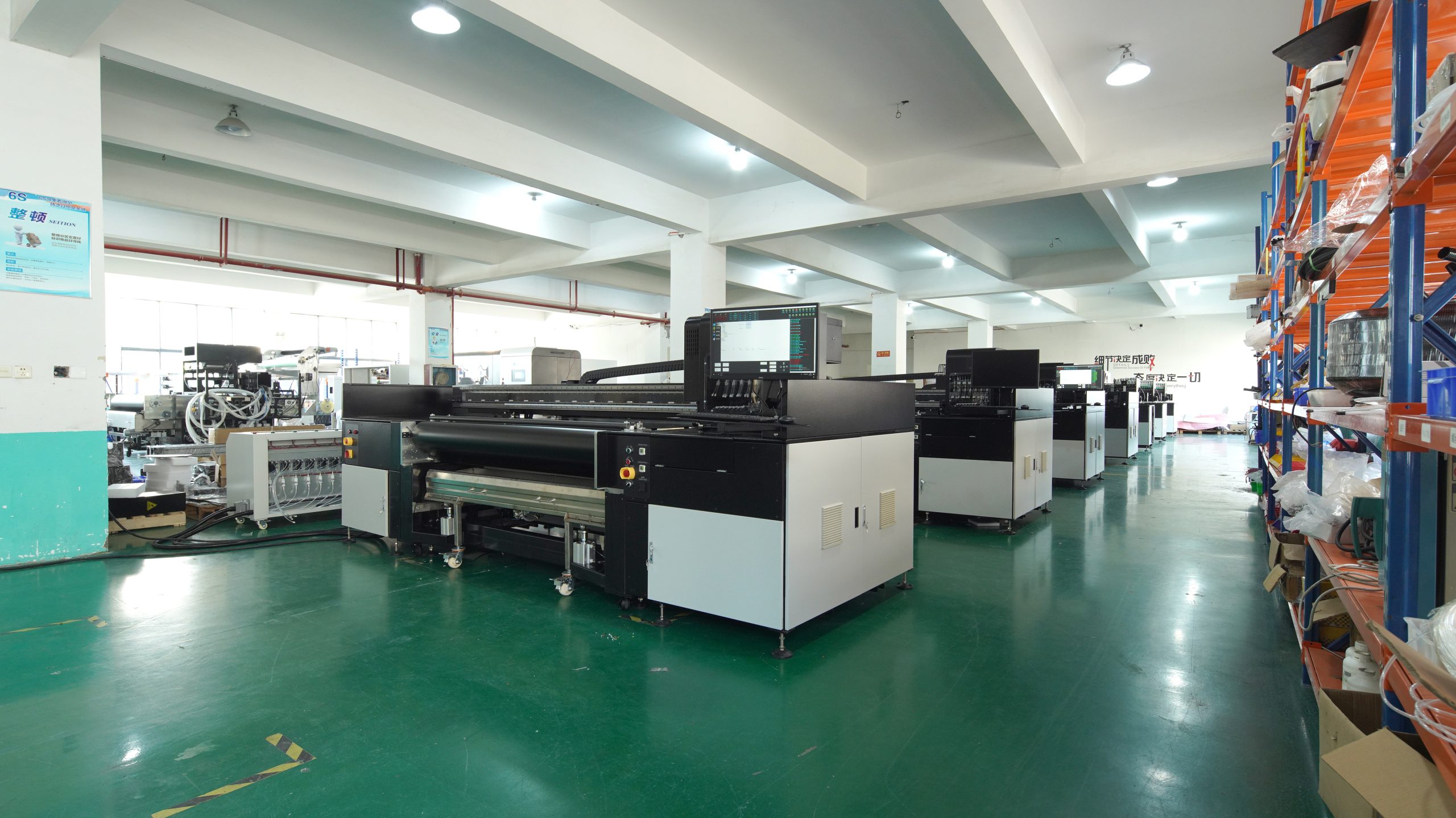
Dry weather presents numerous challenges for the operation and use of digital printing machines, such as static electricity, nozzle clogs, and material cracking.
If not addressed properly, these issues can degrade machine performance, affect print quality, and shorten the equipment’s lifespan. This article provides a comprehensive guide on maintaining digital printing machines in dry weather to ensure smooth operation and longevity.
Maintain an Optimal Working Environment
1. Control Humidity
Dry weather often results in low humidity, causing static electricity and nozzle drying issues. A humidifier should maintain workspace humidity between 40% and 60%, reducing static buildup and ink evaporation.
2. Avoid High Temperatures
High temperatures accelerate moisture evaporation, leading to warped printing materials or compromised ink performance. Keep the room temperature between 20°C and 25°C, and avoid exposing the machine to direct sunlight.
Regularly Clean the Nozzles and Machine
1. Nozzle Cleaning
Ink tends to dry and clog the nozzles more easily in dry weather. Regularly clean the nozzles with cleaning solutions provided by the manufacturer or follow the machine’s automatic cleaning instructions to prevent ink residue from blocking the nozzles.
2. Clean Areas Prone to Static Buildup
Static electricity can attract dust, affecting print quality. Use a soft, lint-free cloth to wipe the machine’s surface and key components to keep them clean.
Proper Storage of Ink and Materials
1. Ink Storage
Dry weather may cause the ink to evaporate. Store ink in a cool, dark place with appropriate humidity. Opened ink should be used promptly to avoid prolonged exposure to air.
2. Material Storage
Fabrics used in digital printing tend to become brittle or curl in low-humidity environments, impacting print results. Keep materials sealed and stored in a moderately humid environment.
Enhance Routine Maintenance and Inspections
1. Pre-Operation Checks
Before each use, inspect the machine for proper functioning, including nozzle status, ink flow, and material alignment.
2. Post-Operation Maintenance
After each operation, promptly clean the nozzles and feeding parts to remove ink or dust residues. For prolonged inactivity, follow the manual’s guidelines for nozzle preservation.
Choose Weather-Appropriate Ink and Consumables
Dry weather demands higher ink performance. Opt for inks designed for low-humidity environments, which usually offer better fluidity and resistance to drying. Additionally, consider using materials with anti-static coatings to minimize static interference.
Train Operators
Ensure operators are aware of the effects of dry weather on equipment and are trained in proper maintenance techniques. Regular training sessions and maintenance drills help prevent operational errors.
Develop Emergency Plans
Dry weather may lead to unexpected issues, such as sudden machine shutdowns or reduced print quality. Establish contingency plans to quickly troubleshoot problems and minimize disruptions to production schedules.
Conclusion
Dry weather imposes stricter maintenance requirements on digital printing machines. By controlling environmental humidity, cleaning regularly, storing ink and materials properly, and training operators, businesses can effectively avoid related issues, ensuring efficient operation and high print quality.


