

Fabric digital printers are a critical tool for businesses that require high-quality and efficient printing solutions.
However, ink consumption can be a significant cost factor.
By adopting some practical techniques and optimizing your usage, you can effectively reduce ink waste and improve overall cost efficiency.
Below are some detailed tips to help you maximize ink utilization while maintaining quality output.
1. Set the Printing Mode Correctly
Choosing the correct printing mode is crucial in managing ink consumption. For everyday tasks like printing text or drafts, there’s no need for the highest-quality settings.
Flexible Mode Selection: Before starting a print job, assess its purpose. For tasks that don’t require intricate details or vivid colors, select modes such as “draft” or “production.” These modes use less ink while ensuring the content is readable and clear.
High-Quality Printing: Reserve high-quality or photo-quality modes for projects that demand fine details or accurate color reproduction. Keep in mind that the finer the quality, the more ink is consumed.
By adjusting the mode based on the task’s needs, you can strike a balance between output quality and ink efficiency.
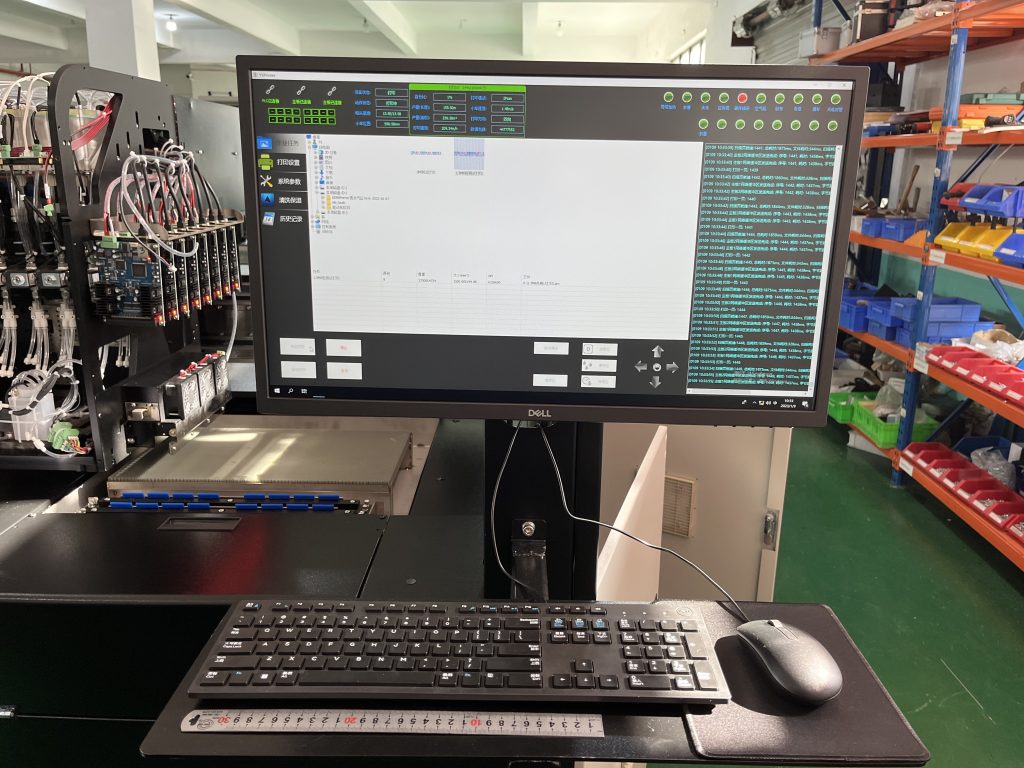
2. Fully Utilize Ink Cartridges
Ink cartridges often display a low ink warning when about 20% of the ink remains. This precaution helps avoid interruptions but doesn’t mean the ink is depleted.
Maximizing Usage: Ignore the low-ink alert and continue printing until the cartridge is empty. This ensures you make the most of each cartridge before replacing it.
It’s important to monitor the print quality towards the end of the cartridge life. If prints begin to show signs of fading or streaks, it’s time to replace the cartridge.
3. Use Ink Cartridge Protection Features
Some fabric digital printers come equipped with features to extend the lifespan of ink cartridges when the machine is not in use.
Storage Solutions: Many devices include an ink cartridge protection card or case for storing cartridges. This feature prevents ink from drying out, especially in dry environments.
Sealing Technique: If the printer will not be used for an extended period, remove the cartridges, place them in the protection case, and store them in a sealed plastic bag to minimize exposure to air. This practice helps preserve the ink’s consistency and prevents clogs in the cartridge.

4. Reduce Power Cycling
Frequent turning on and off of the fabric digital printer leads to unnecessary ink usage.
Batch Printing: Gather small printing tasks and complete them in a single session rather than spreading them out.
Minimize Restarts: Every time the printer starts, it initializes by cleaning the print head and priming the ink delivery system. This process consumes a significant amount of ink.
By consolidating print jobs and reducing power cycling, you can cut down on ink wastage and extend the lifespan of your cartridges.
5. Maintain and Clean the Fabric Digital Printer Properly
Proper maintenance of the printer can also contribute to ink savings.
Regular Cleaning: Keep the print heads clean and free of clogs. This ensures smooth ink flow and prevents excessive ink from being used during the cleaning process.
Avoid Idle Time: Use the printer regularly to prevent ink from drying up in the nozzles. If the machine isn’t used often, perform a small test print periodically to keep the system active.
By implementing these strategies, you can effectively reduce ink consumption, save costs, and ensure that your digital printing machine operates efficiently. Taking these measures benefits your budget and supports sustainability by reducing waste.


