
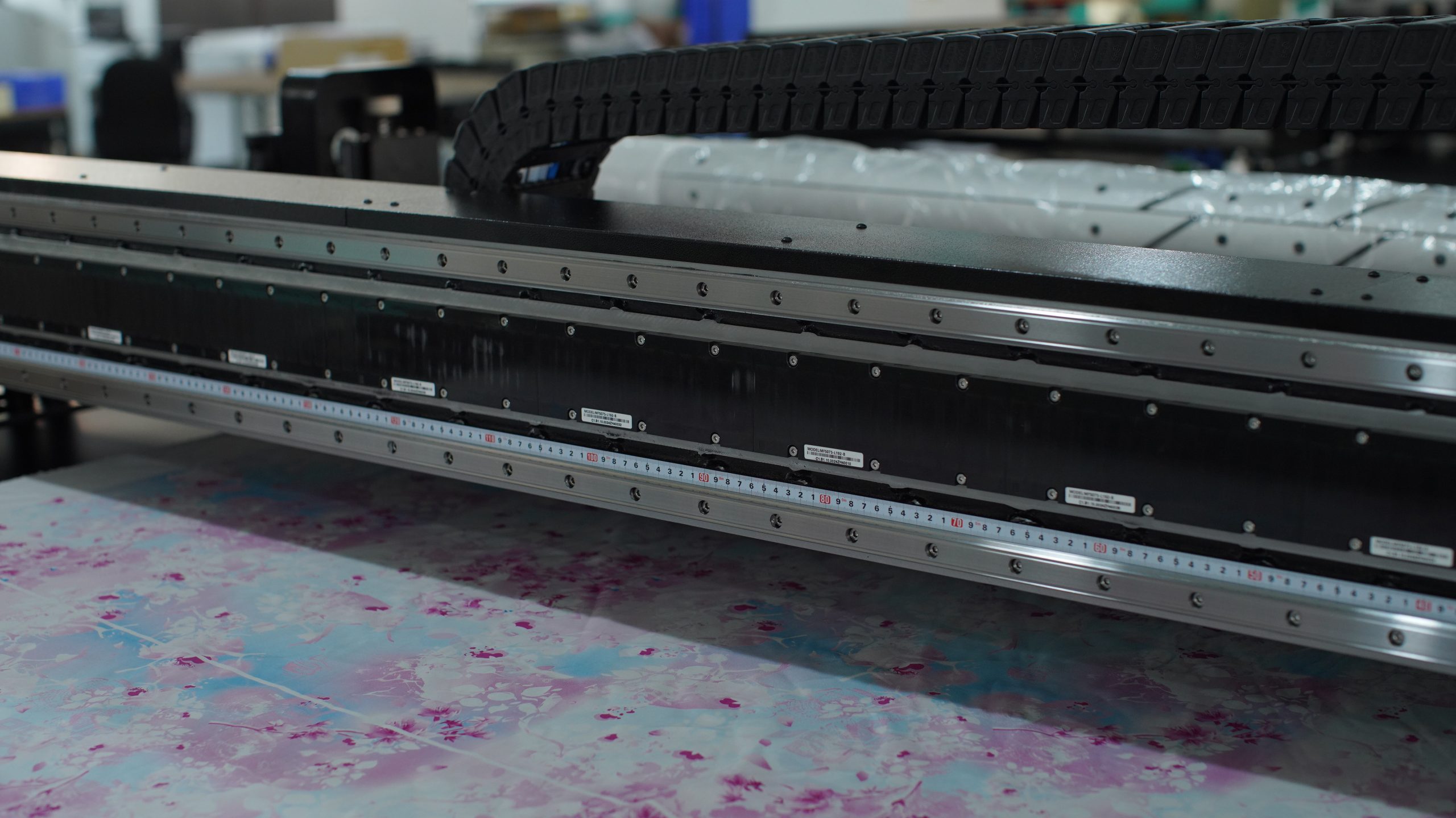
As we all know, the print head is a very important part of the digital DTF printer. Daily maintenance of the print head can prolong the service life of a digital DTF printer, give full play to the maximum production value of the digital DTF printer, and create greater production benefits.
Printing Precautions:
1. Use Appropriate Textiles: Ensure the selection of textiles suitable for the digital DTF printer. Different textiles may require different types of inks, and print effects may vary depending on the material.
2. Adjust Printing Parameters: Customize printing parameters according to specific needs, including resolution, color settings, and printing speed. Different printing parameters can impact both print quality and speed.
3. Pre-treat Textiles: Before printing, apply appropriate pre-treatment to textiles, such as priming or heat fixation, to enhance the durability and quality of the prints.
4. Maintain a Clean Printing Environment: Ensure a clean printing environment, free from dust, fibers, and other factors that could affect the printing process.

5. Avoid Excessive Ink Usage: Refrain from using excessive amounts of ink to prevent over-saturation on textiles. Excessive ink can lead to color bleeding and affect print clarity.
6. Avoid Excessive Heat Treatment: Prevent excessive heat treatment to avoid color fading or distortion. Follow the manufacturer’s recommendations and properly set and control heat fixation temperatures.
7. Pay Attention to Ink Quality: Use high-quality ink to ensure that it does not penetrate, fade, or lose stability over time. This is also the point that digital DTF printer needs to pay attention to when printing.
Printhead Maintenance Methods:
1. Regularly Clean the Printhead: Run the cleaning program provided by the printer regularly to prevent ink from drying and clogging the printhead, which can affect print quality.
2. Inspect the Ink Supply System: Regularly check the ink supply system to ensure unobstructed ink pipelines, preventing bubbles and blockages.
3. Use Appropriate Cleaning Agents: Utilize cleaning agents recommended by the manufacturer and follow instructions to clean the printhead properly. Avoid using cleaning agents that may be harmful to the printhead.
4. Prevent Long Periods of Inactivity: If the digital DTF printer will be inactive for an extended period, conduct printhead cleaning beforehand to prevent ink from drying in the printhead.
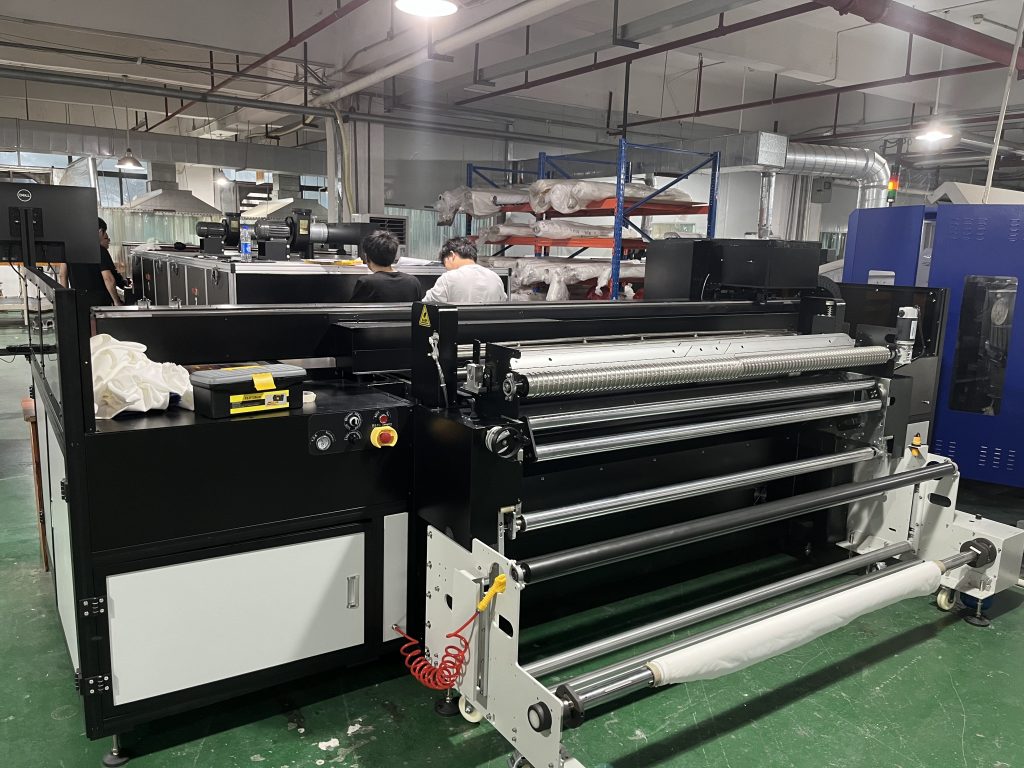
5. Monitor Ink Temperature: Ensure that ink is stored and used within the appropriate temperature range to prevent ink from affecting printhead performance due to overheating or cooling.
6. Regularly Replace Printheads: Follow the manufacturer’s recommendations and regularly replace aging printheads to ensure the printer’s optimal performance.
7. Promptly Address Malfunctions: If a decline in print quality or other issues are observed, promptly identify the cause and take appropriate measures to prevent further deterioration.
Adhering to these printing precautions and printhead maintenance methods will help maximize the performance of your digital DTF printer, ensuring print quality and equipment longevity. Always follow the guidance provided by the manufacturer and user manual.


